Teachers: AI-Powered Canva: Spark Ideas, Save Time, Inspire Students
Pressed for time? Learn how Canva’s AI can draft lesson plans, generate parent letters, create engaging visuals, and adapt content for different learners in minutes. See practical classroom examples and walk away with ideas to save time and inspire students.
Dear Educators,
Welcome to AI in Canva: A Teacher’s Creative Partner. This session was created to show how AI can support you by saving time, sparking ideas, and building student skills—all while keeping you at the center as the guide for ethical, accurate, and creative use.
As you move through the slides, you’ll:
Discover what AI in Canva really is—pattern recognition, not human thinking.
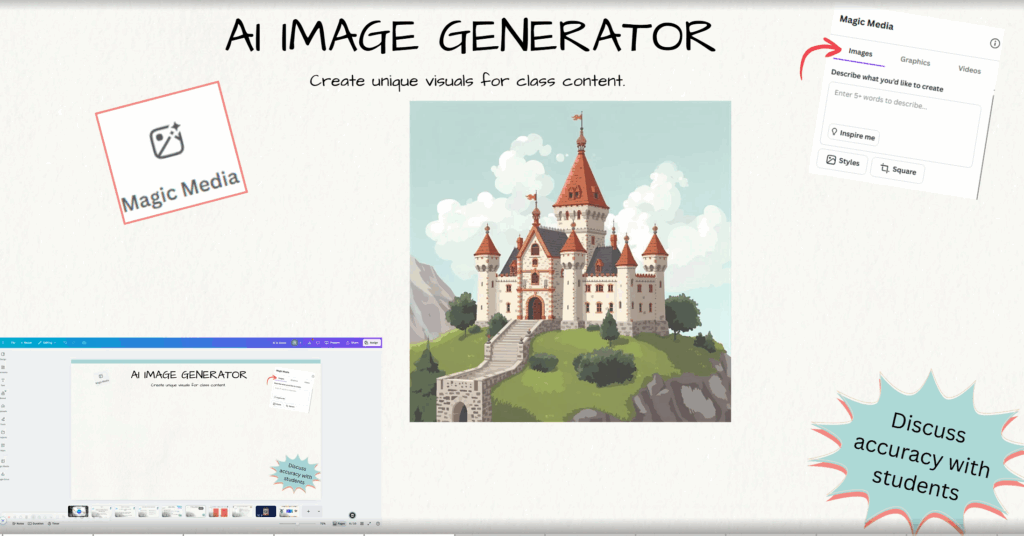
Explore practical teacher highlights like Magic Write for lesson plans, the AI Image Generator for custom visuals, and Text to Video for quick explainers.
Engage with challenges that let you try these tools yourself, reflect on accuracy and tone, and consider how they could work with your students.
Think critically about ethics, bias, and awareness—important skills for both you and your learners.
Take away resources for continued growth, from Beyond K12 Hour of AI lessons to ongoing professional development opportunities.
The goal is simple: AI + Teachers = Partners. Canva’s AI tools provide drafts, ideas, and efficiencies—but it’s your expertise that brings meaning, context, and connection for students.
Thank you for taking the time to explore this resource. Your commitment to learning new tools and modeling thoughtful, ethical AI use will help shape a better future for both teaching and learning.